Moving Between Rooms in Dungeons
By DUCK_BERET
April 7, 2022
Categories: Game Development | Chessplosion
When I was creating Chessplosion's Dungeon mode, I had to decide exactly how it should look when the player moves from one room to another. Here’s some of the research I did back then, with some slow motion gifs to show exactly how this works in various games!
Fading to black
One way of switching between rooms is to fade the screen to black, then fade back in with the new room on the screen. It means you don’t have to waste time programming a camera that can move around, but it can make your dungeon feel like a series of unconnected nodes if you’re not careful. ScourgeBringer alleviates this problem by having a fancy directional fade out effect that matches the direction you’re moving in!
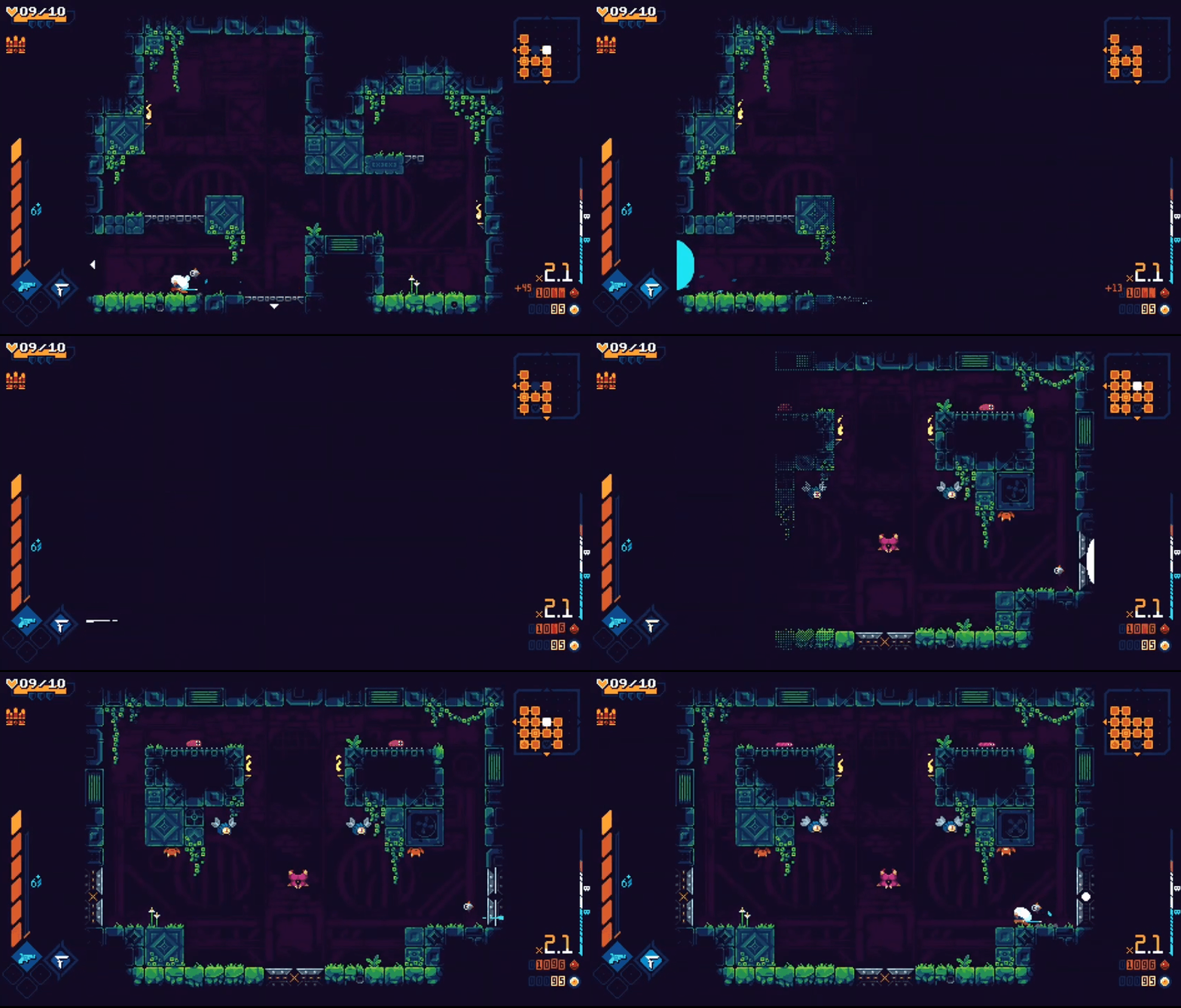
Showing the transition
You can make the transition between rooms feel a bit more smooth by showing the old room sliding offscreen and the new room sliding into view. Dead Estate’s diagonal room transitions do a good job of showing how this works (footage from twitch.tv/codechannel):
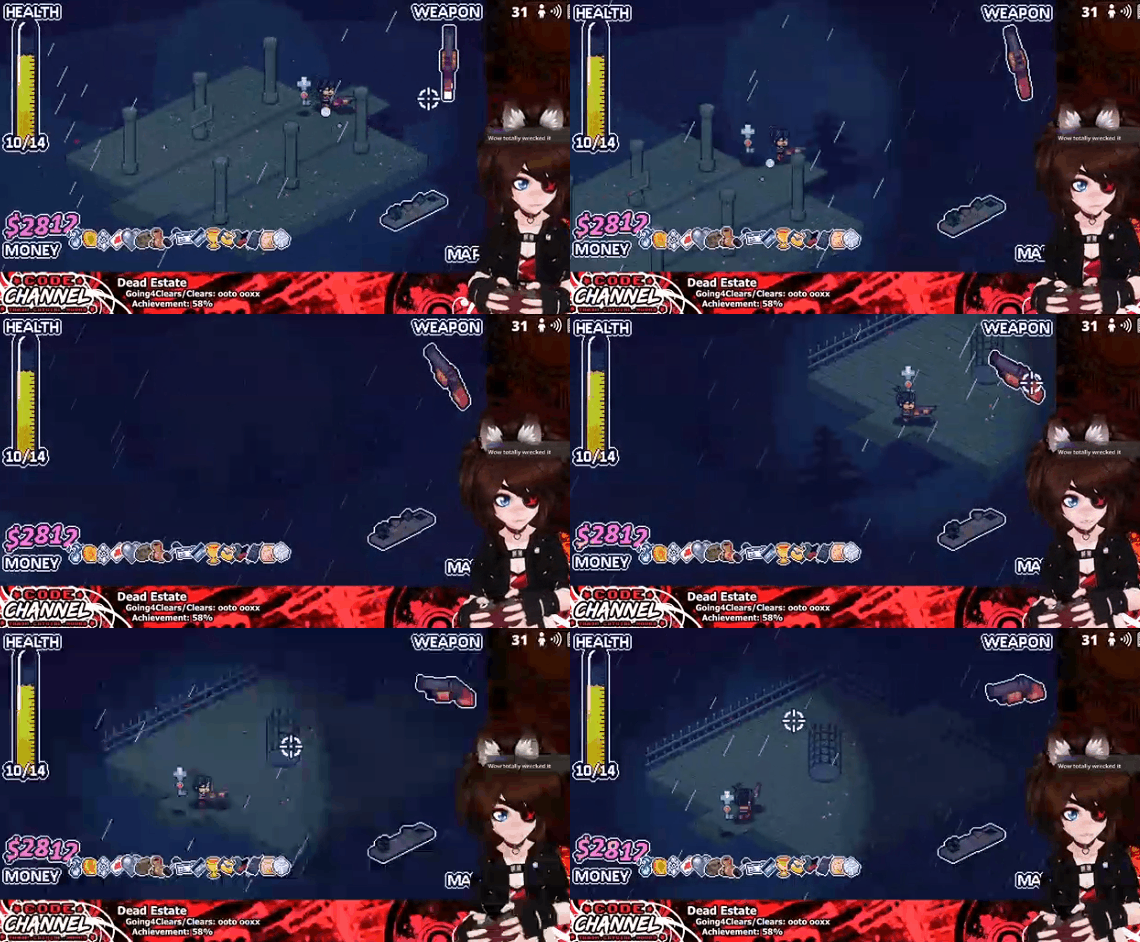
I love how this looks, but for Chessplosion’s Dungeon mode I wanted to see if there was any way I could make the rooms feel a bit more like they were physically connected to each other. So I looked to the Nintendo Switch remake of The Legend of Zelda: Link’s Awakening, which shows the new room fading into view and the old room fading to black:
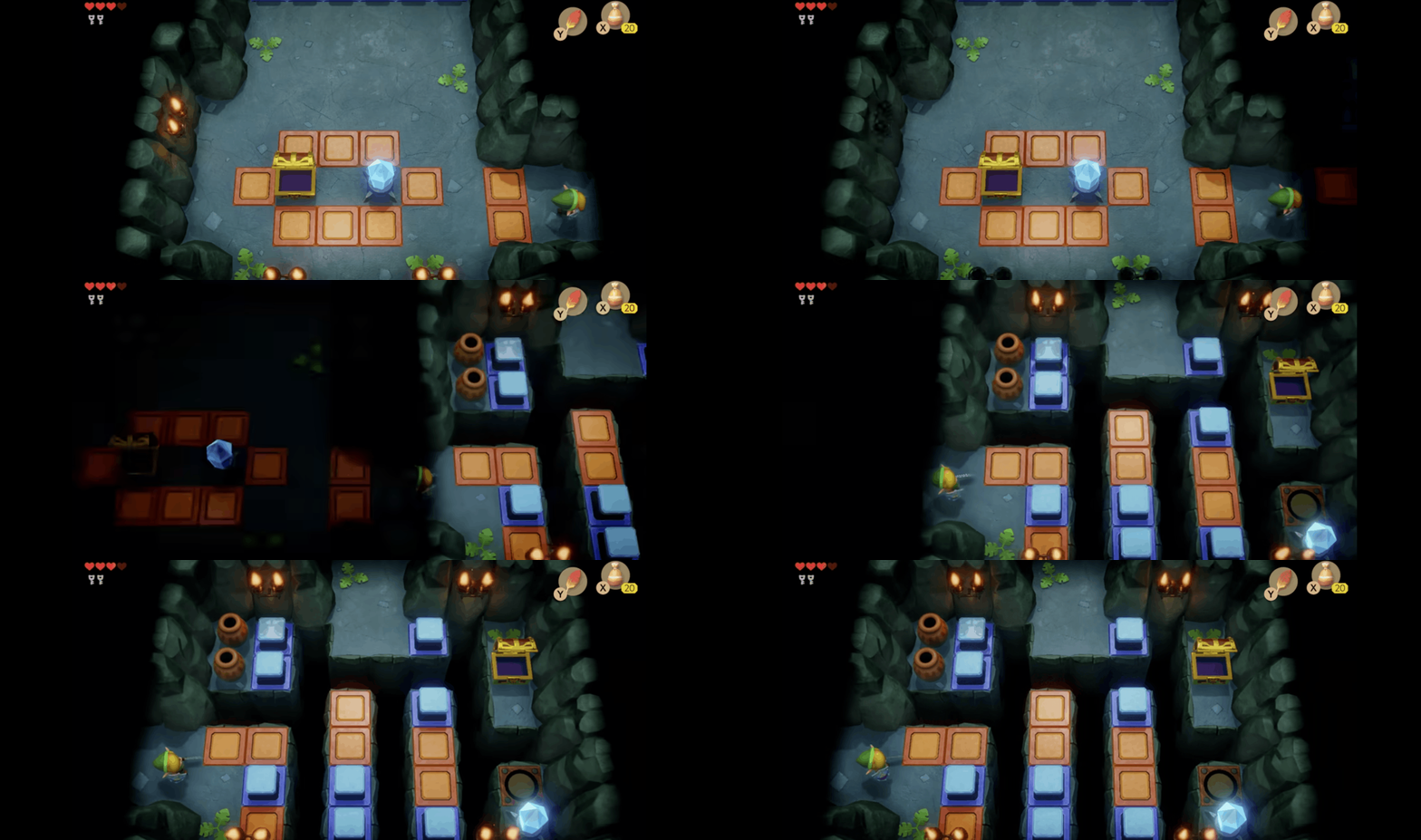
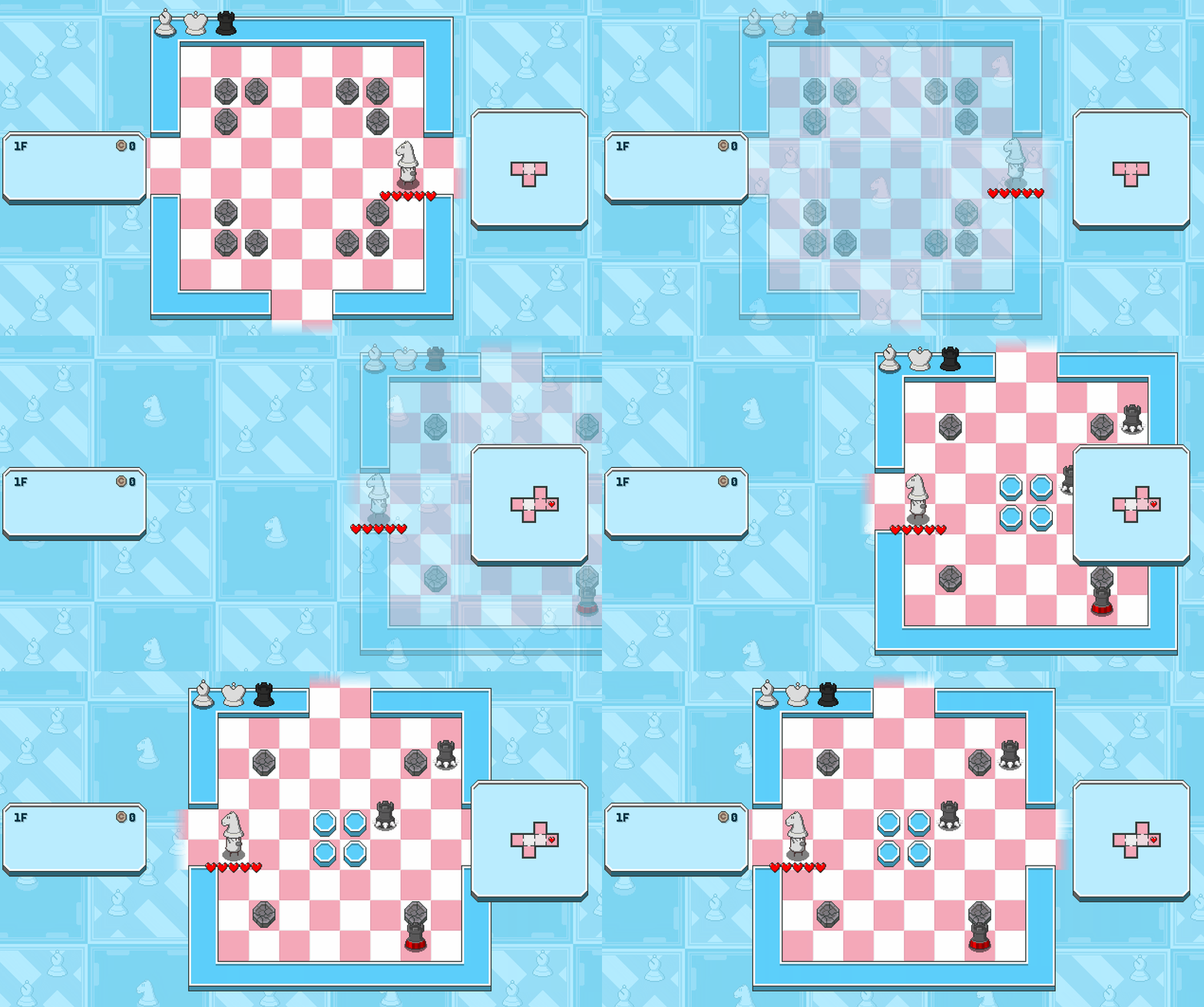
This was exactly how I wanted Chessplosion’s Dungeon mode to look! The only problem was that Chessplosion was not originally programmed with Dungeon mode in mind, and it didn’t have the ability to display more than one chessboard at once. As a result, I had to fade out the old room before fading in the new one. It doesn’t look quite as physically connected as the Zelda example above, but I’m very happy with how it turned out considering the engine limitations!
Showing both rooms at once
So that’s where my Chessplosion journey ends. But for my next game's prototype, I would like to make the rooms feel a bit more connected to each other. Enter the Gungeon does this by simply making a room fade in when you enter it for the first time. It never fades out any old rooms, so you can always see how your current room is physically connected to the rest of the dungeon. It’s less like the other systems I’ve talked about, and more like a fog of war system for hiding new rooms until you’ve explored them.
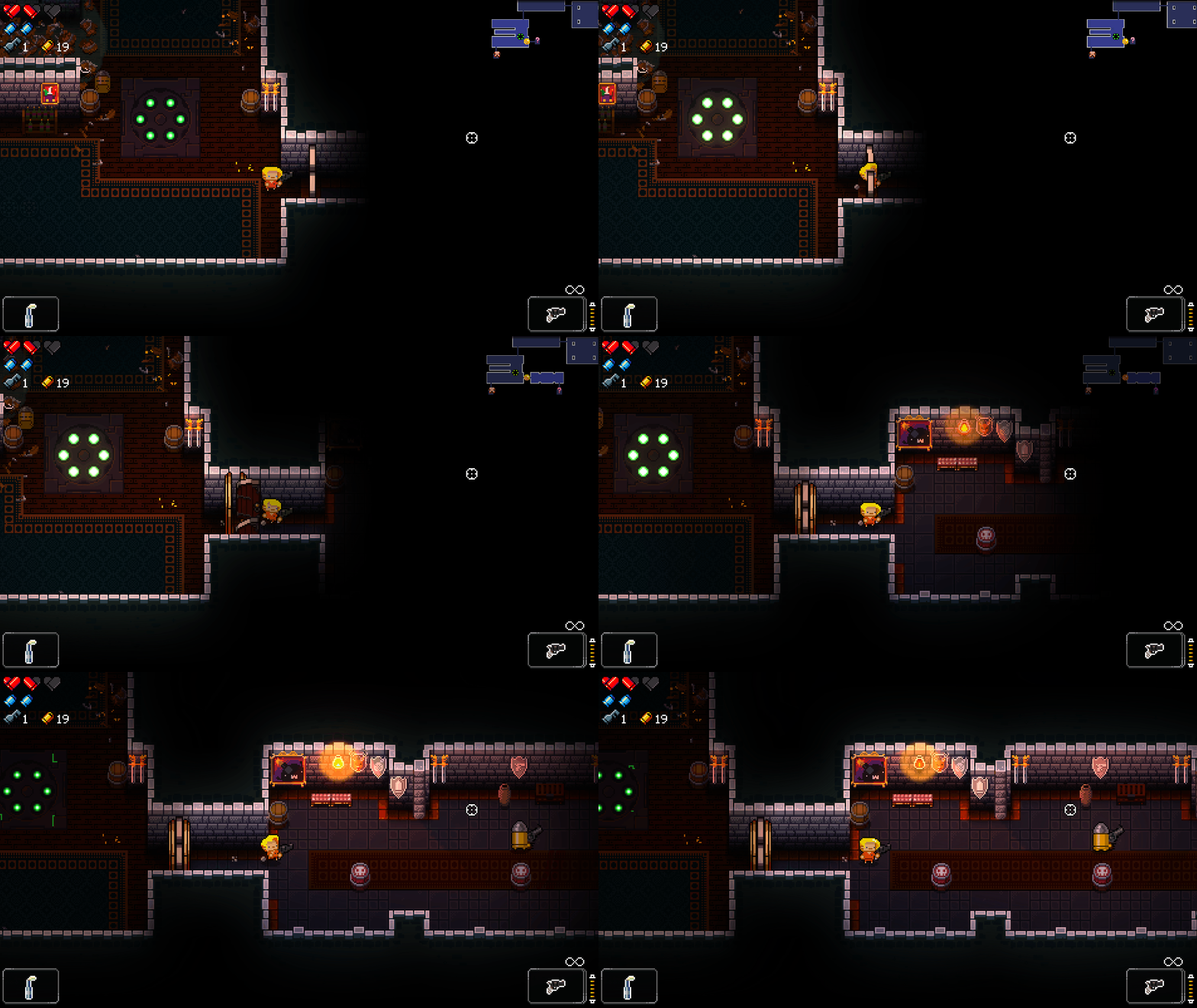
This does a perfect job of showing how your current room is connected to the rest of the dungeon, at the cost of having to keep all of the nearby rooms loaded at all times. Thankfully it’s looking like I can afford to keep the entire dungeon floor loaded at once in my prototype, so I’ll hopefully be able to do something like the this.
What about the camera?
You might have noticed that in the above clip, the camera keeps the player in the center of the screen instead of showing you as much of the new room as possible. This is because the clip was recorded using mouse and keyboard, so the game has to keep you in the center of the screen to make sure that there’s plenty of space for you to aim the mouse in every direction. Controllers don’t have this problem, so if you’re using a controller the camera will move ahead to show you what’s in the new room:
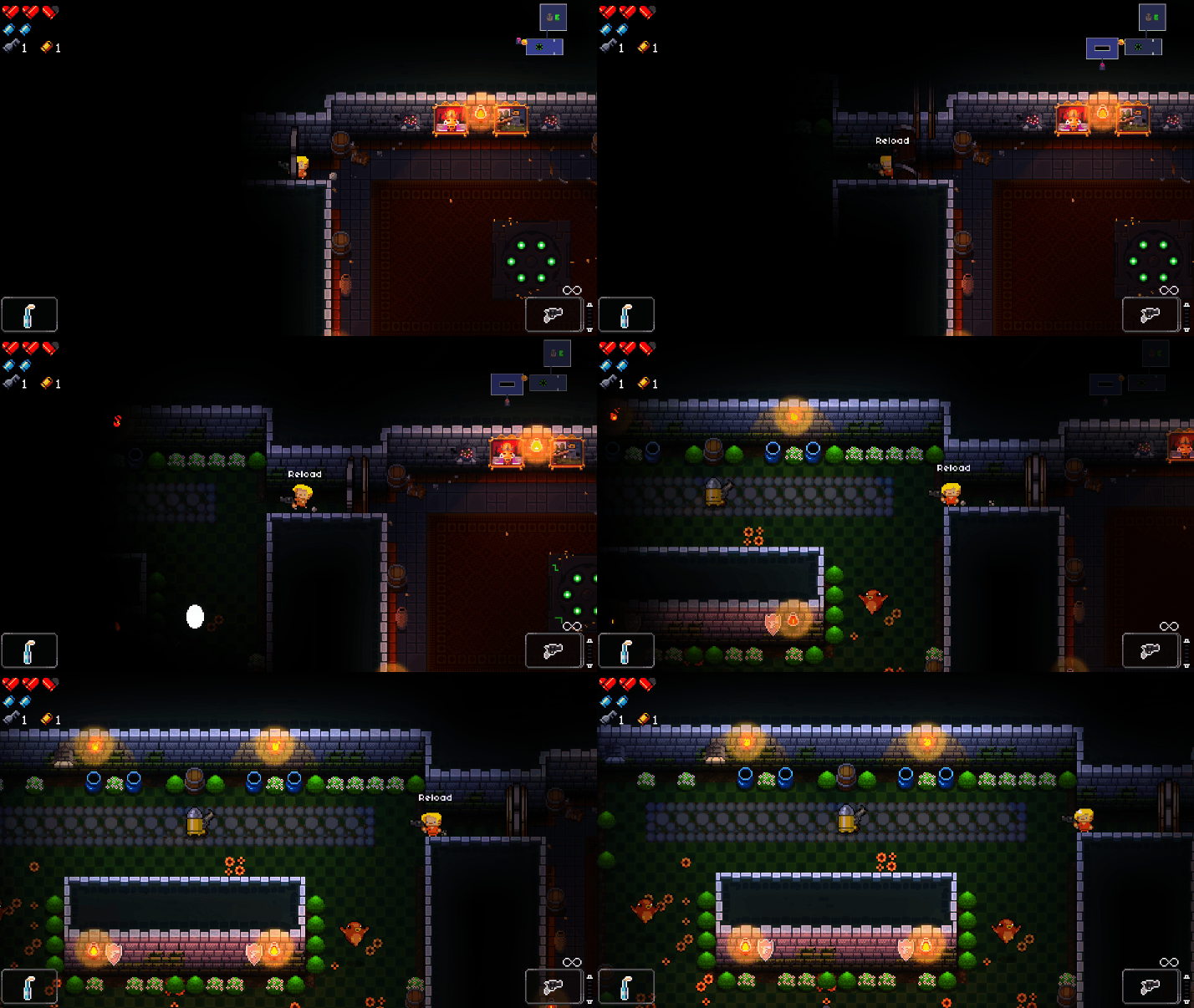
Once you’ve cleared out the enemies in the new room, the camera will smoothly switch back to its old behavior of keeping the player in the center of the screen. It’s a nice system, and I won’t be surprised if I end up doing something like this in my new prototype.
Anyway, I hope you enjoyed my deep dive on the quick camera movement that happens when you step from one room to another in Chessplosion’s Dungeon mode. It’s something that I never had to think about until I had to program that part of the game, but ever since then I’ve been hyperaware of it in everything that I play. And now you will be too. Sorry.